Teen accounts (13–17): how they work
The KiddoSG app is launching soon. This guide shows how it will work.
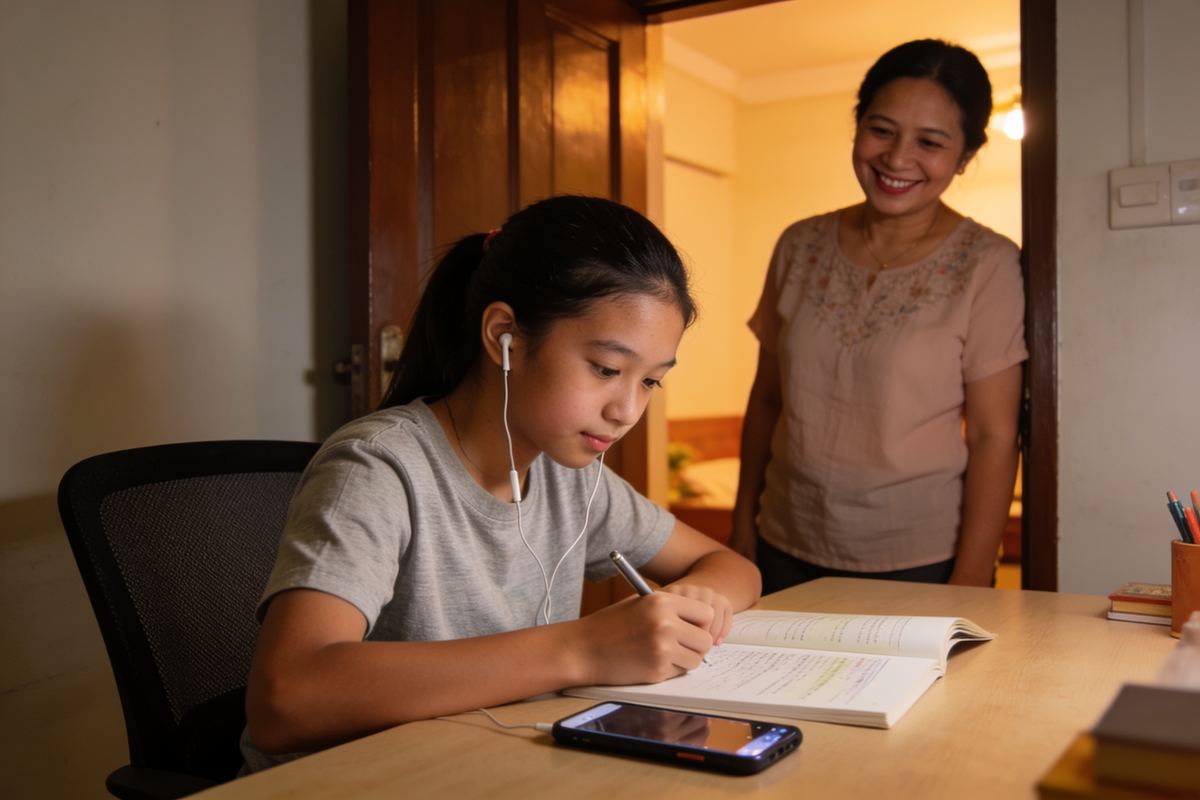
Photo: for illustration.
Secondary students often want to message their tutor about homework themselves. A teen account lets them do that safely, linked to a parent.
Who can have which account
| Age | Account |
|---|---|
| Under 13 | No child login. The parent manages everything. |
| 13–17 | Optional teen login, linked to a parent. |
| 18+ (e.g. JC2) | Independent account; linking a parent is optional. |
What a teen can do
- Chat with their own tutors and group members.
- See their lesson schedule and lesson notes.
- Read guides and save favourite tutors.
What needs a parent
- Booking a trial or accepting a tutor: the parent approves.
- Payments and subscriptions.
- Joining or leaving a shared group.
Privacy and safety
- Chats between a tutor and a teen are visible to the linked parent, and both the teen and the tutor are told this.
- Contact details stay hidden until a parent accepts the tutor.
- Teens can report or block anyone, at any time.
- We don't show ads or personalised recommendations to teens by default.
Set it up
- Parent: Family → choose your child → Teen invite.
- Share the 6-digit code with your teen.
- Teen: download the app, choose I have an invite code, and accept the link.